





How to use coupon codes
[Notes regarding coupon codes]
・Once a coupon code has been used, it cannot be used again.
- Disclosing the coupon code to others, transferring it, or exchanging it for cash is prohibited.
- If you have already acquired a coupon, you do not need to enter a coupon code.

1) Copy the coupon code (to your clipboard) and proceed to your shopping cart.
[How to copy]
Smartphone: Tap and hold the coupon code and select "Copy" from the menu.
2) Proceed to checkout and when you reach the "Payment" screen , you will also see a field to enter your coupon code (circled in red) as shown below.
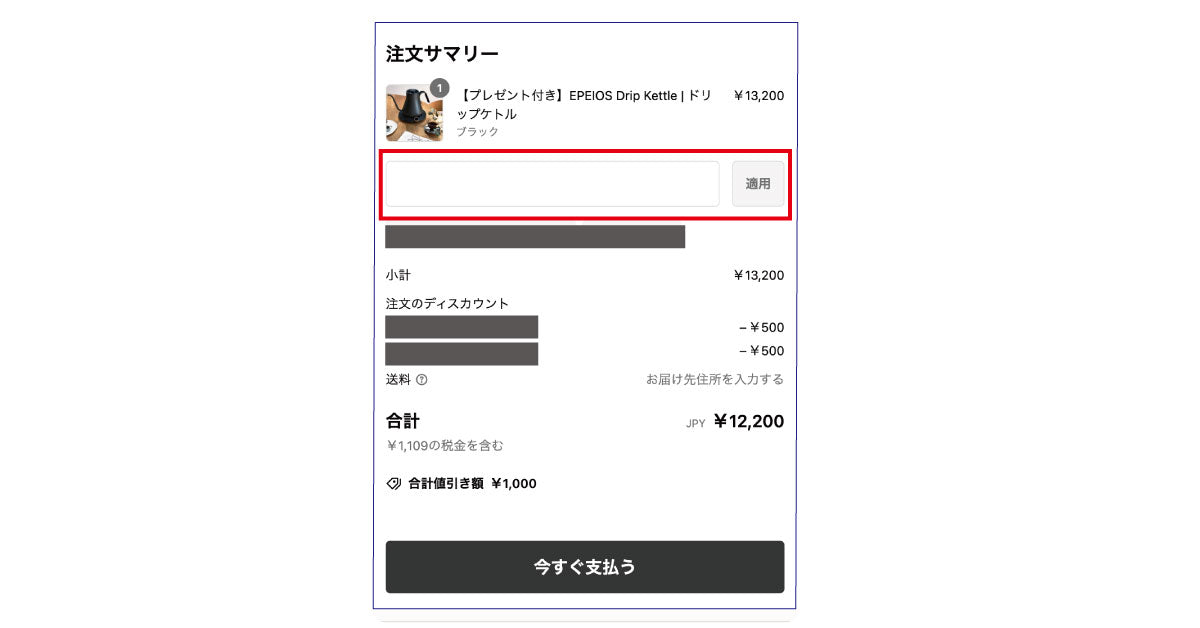
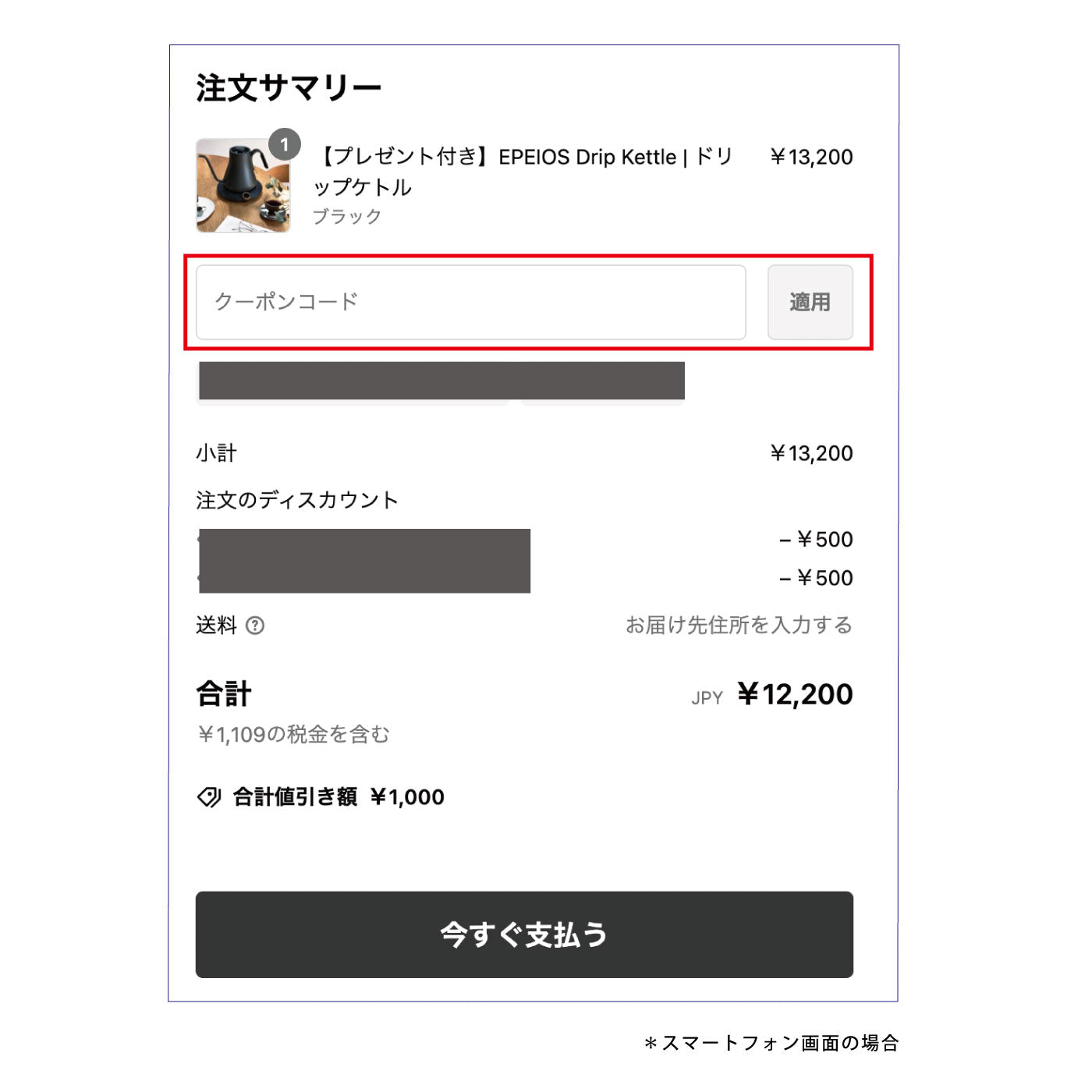
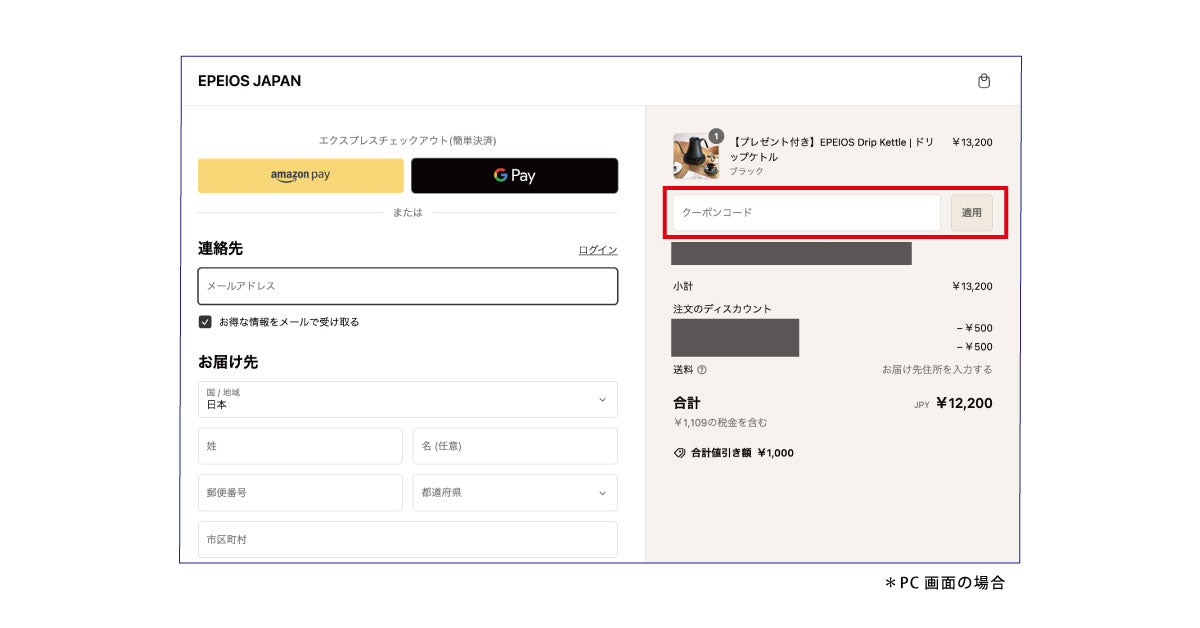
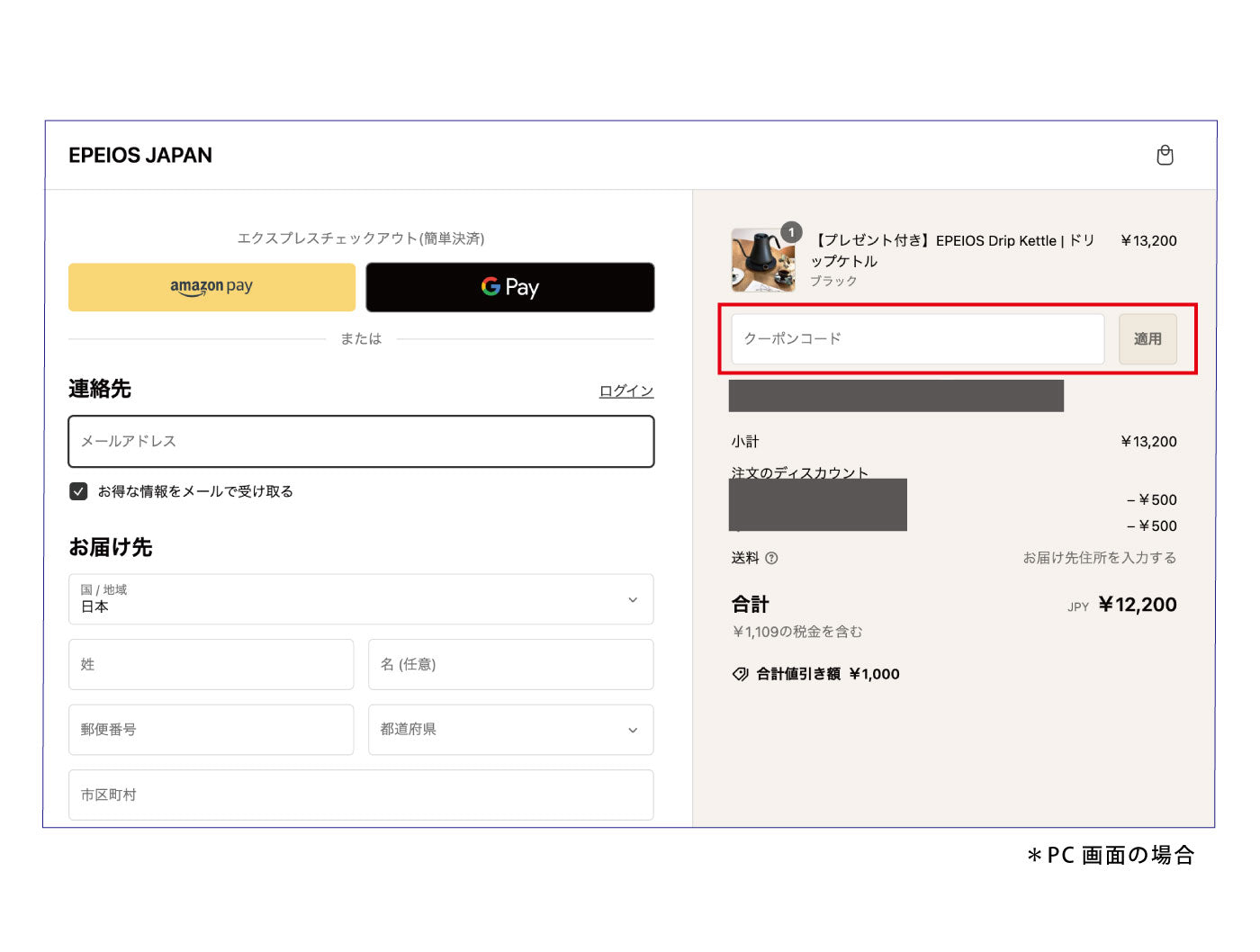
3) In the "Coupon Code" field, enter the ① "Specified coupon code (half-width alphanumeric characters)" and click the ② "Apply" button next to it.
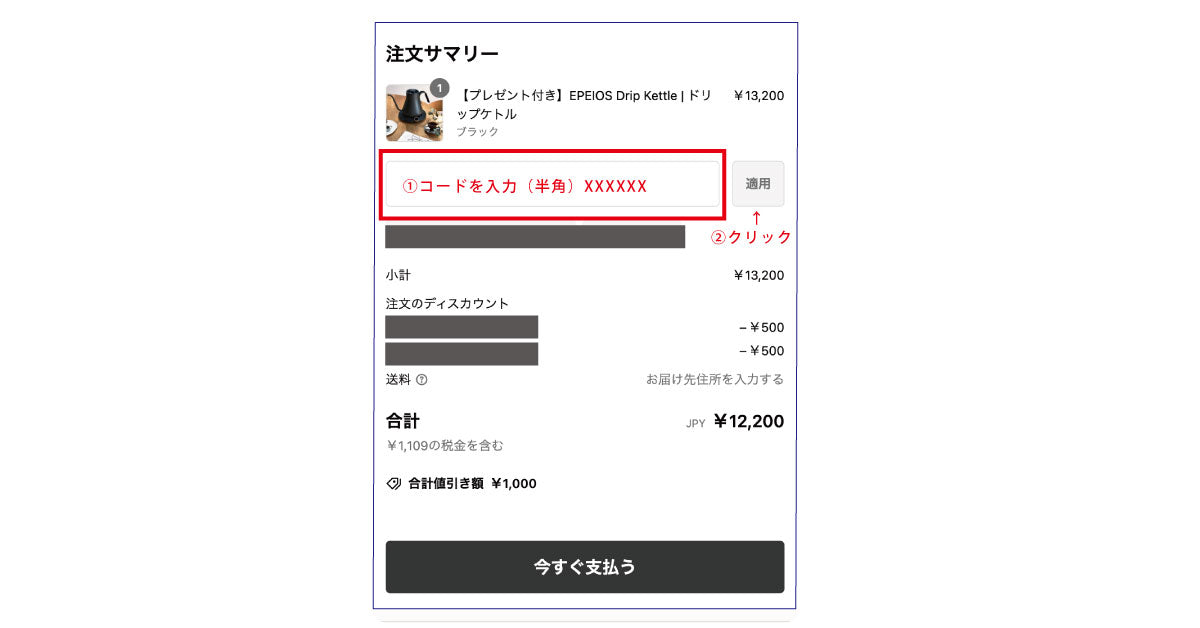
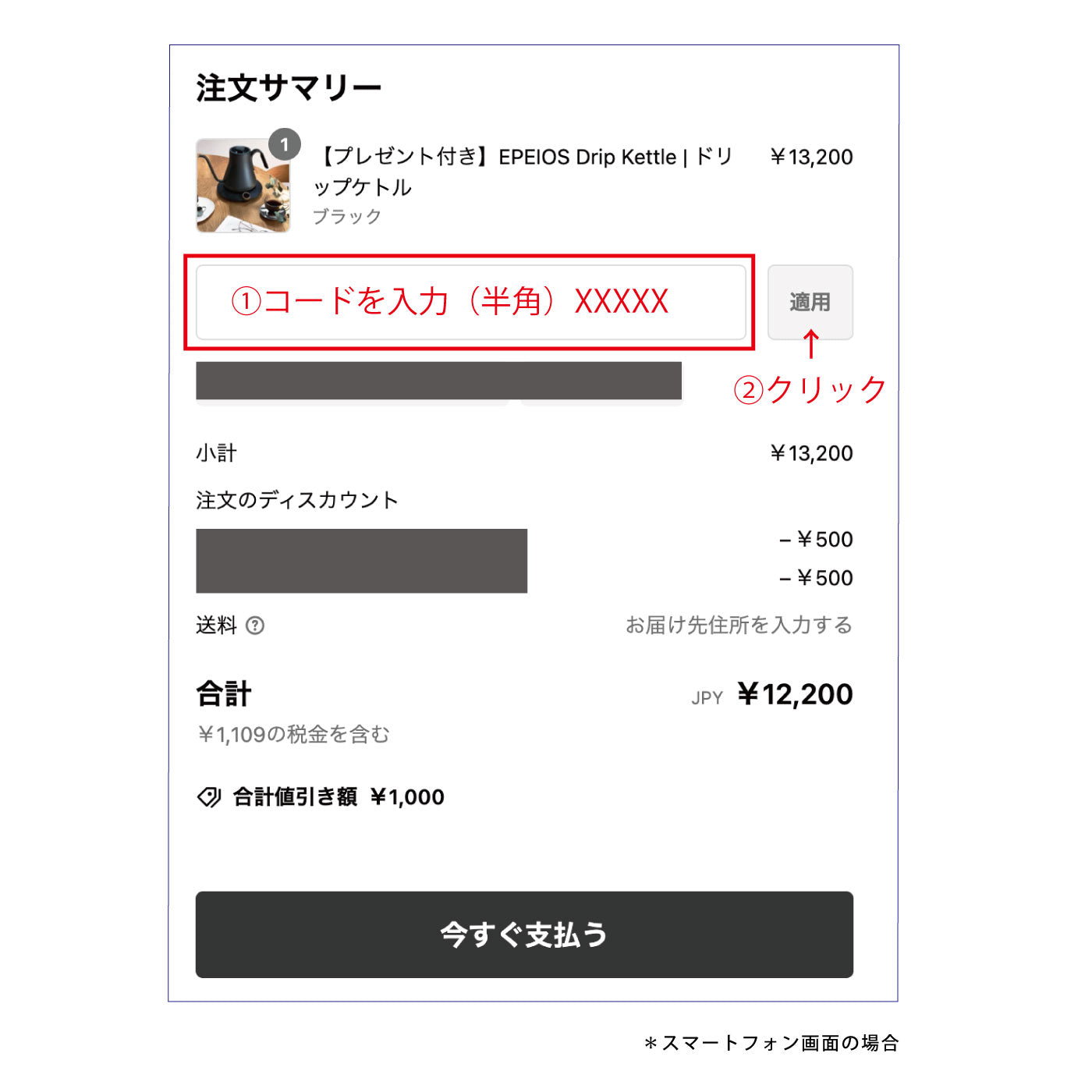
4) Make sure the coupon has been applied to your shopping cart, then tap [Proceed to checkout] to complete your order.
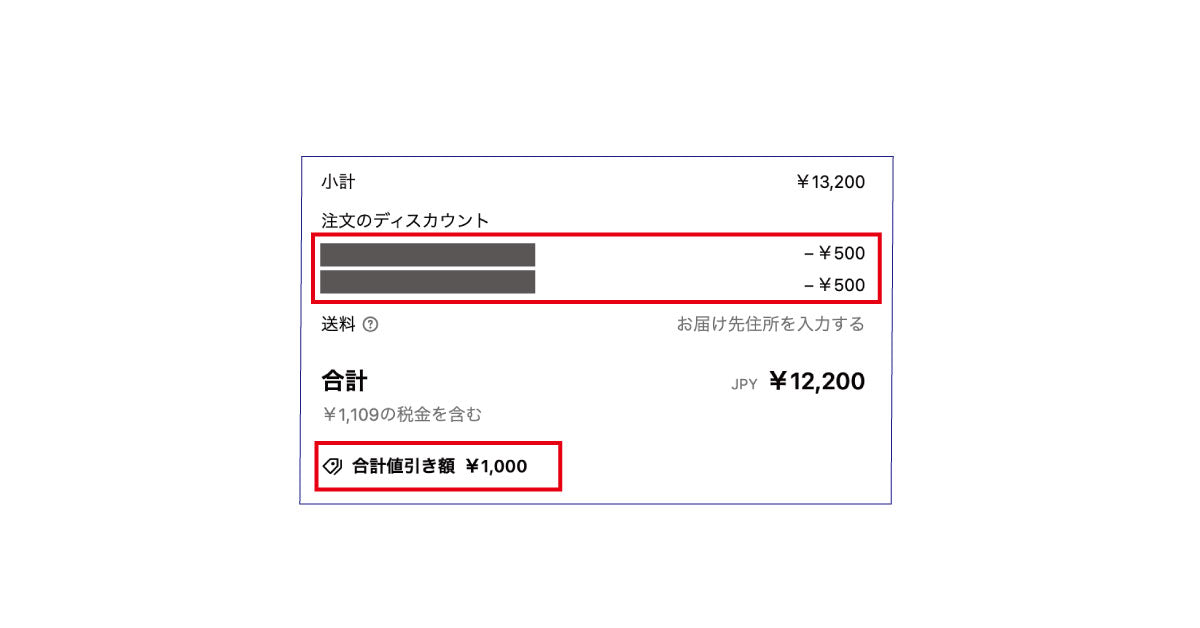
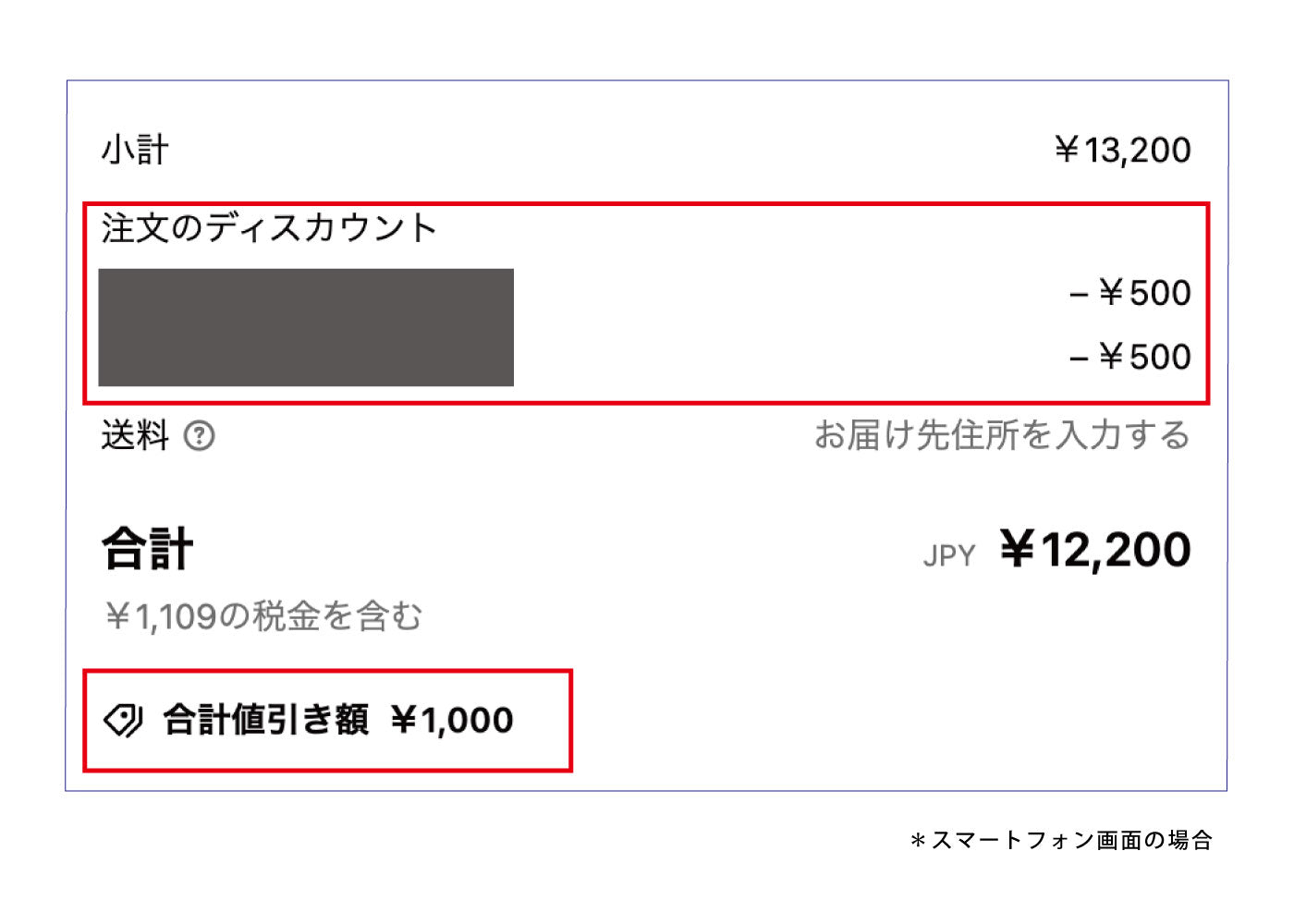
Enjoy the rest of your shopping.